

Based on continuous innovation, Thinkdiag perform IMMO functions, such as Key Learning, Remote Control Learning, Remote Control Add, etc. It can perform Programming, accessing the key chips, reading, retrieving, and writing key information, easy key programming, as well as other key-related functions.
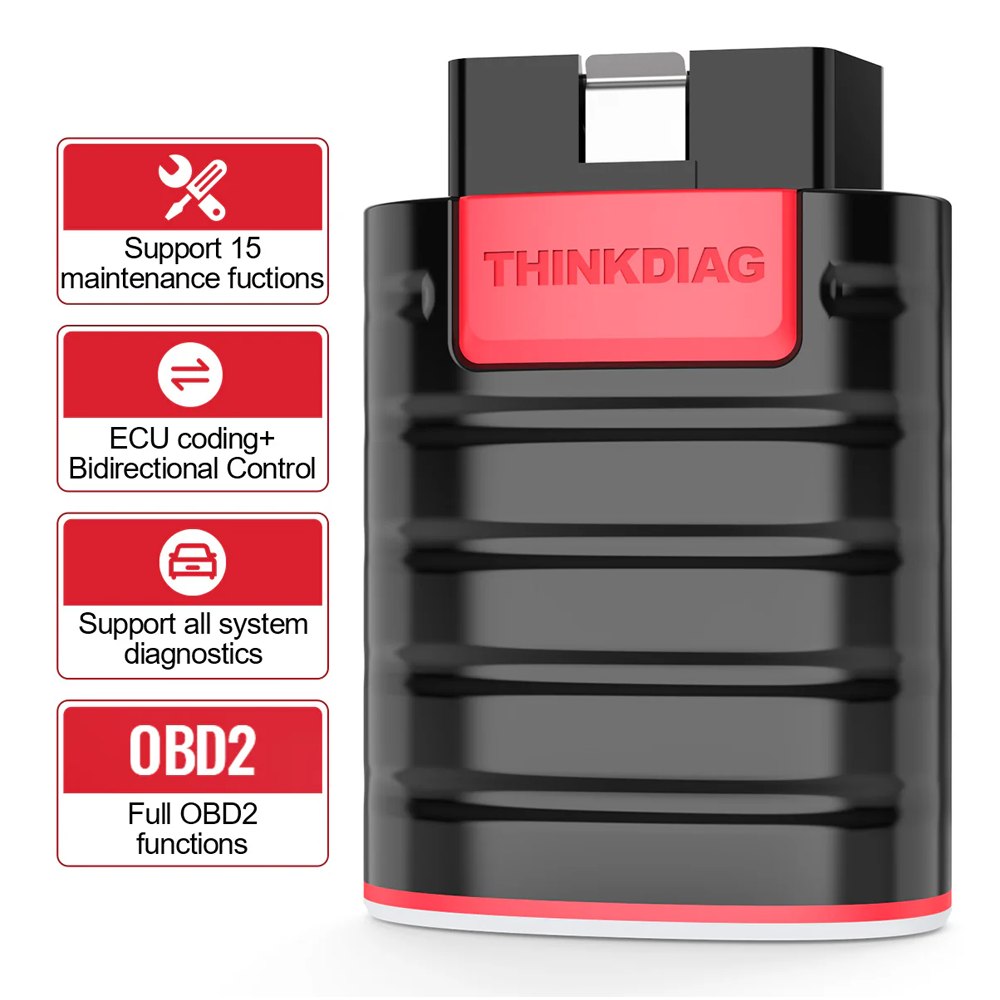
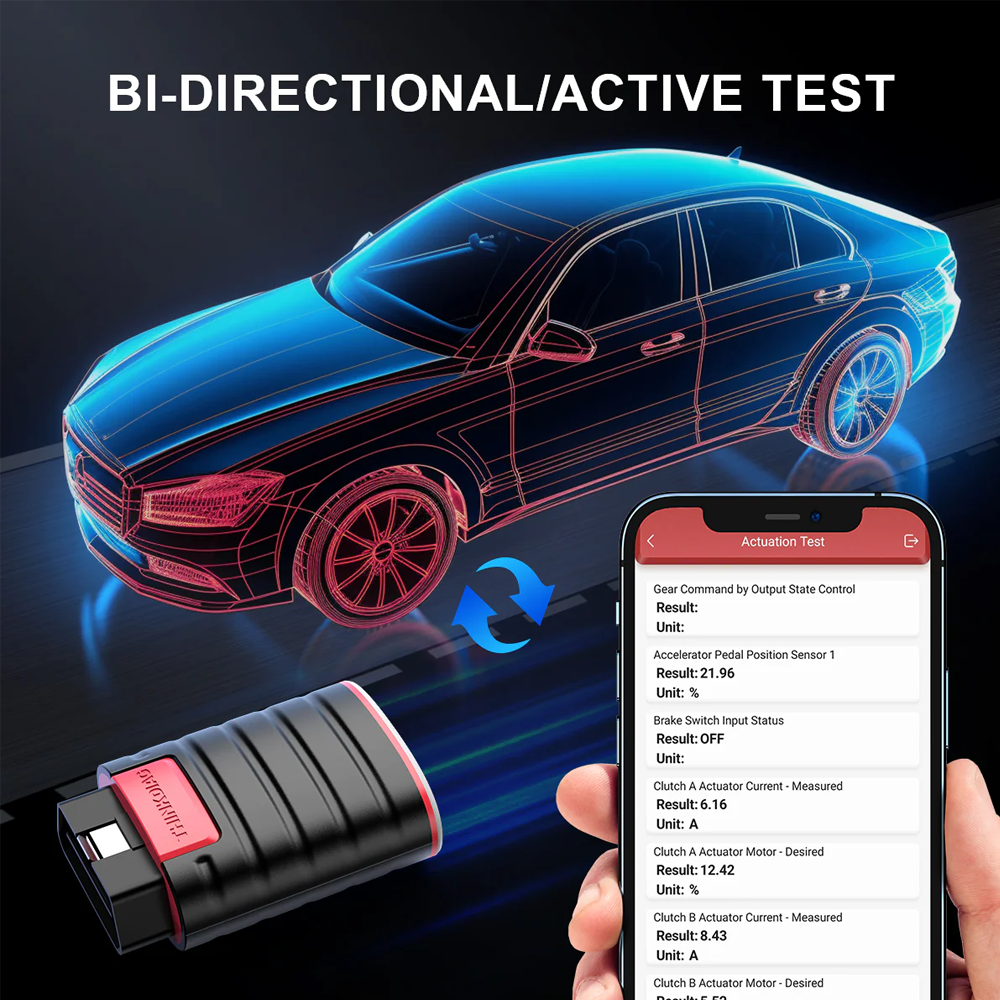
Thinkdiag OBD2 Scanner supports all Systems diagnostic function, it can read/clear fault codes, read live data, read control module information, actuation tests and maintenance functions for ECM, BCM, SRS, TCM, BMS, TPMS, SAS, A/C system etc… It works with most car models after 1996 year of 120+ car brands, All software with 1 year free update, much valuable than other car scanners in the market.
Thinkcar Scanner Thinkdiag has 15 reset functions menu and more maintenance functions under the exact car menu: Oil Reset, ABS Bleeding, Injector coding, SAS Reset, TPMS Reset, DPF Reset, BMS Reset, Reset Gearbox, AFS Reset, EGR Adaptation, SUNROOF, Break Reset, Suspension Rest, Elec-Throttle Relearn, SEAT Calibration, Key Coding,etc. Thinkdiag is a professional car scanner tool for mechanics. ECU coding is not suitable for every car modules, please check with us.
Multiple language options
15 Different Language, more languages are being added : English, French, Spanish, German, Italian, Portuguese, Japanese, Russian, Polish, Traditional Chinese, Turkish, Greek, Korean, Hungarian, Dutch
Activation Process
Obd2 scanner bluetooth iphone & android obd2 scanner.
You must activate the product to use the full software and functions for a one-year free update.
1. Download the APP
2. Register Account
3. Login Account
4. Personal Center
5. Activation
6. Enter the activation code
You can access all the functions a few Seconds after you enter the activation. If using the device requires an extra fee, please clear the cookies in settings and, sign out, then log in to the app. Full software will be available.




Reviews
There are no reviews yet.